

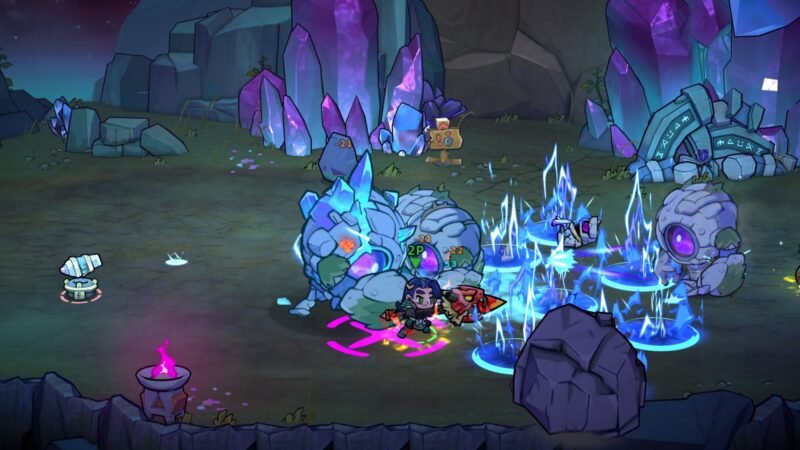
Lost Castle 2 gets a final playtest featuring a very first look at some of its features that will be coming to official version 1.0 ahead of its June 11 release date. The final playtest date begins on May 8 until May 22, 2026.
Developed by Hunter Studio, Lost Castle 2 is a 2D beat-’em-up roguelite and the highly anticipated sequel to the million-selling original. This sequel deepens the “Monster Hunter-lite” combat mechanics while maintaining the chaotic, cooperative spirit of the franchise.
During this playtest, players will get a taste of some of the content coming in Version 1.0, such as:
- More challenging content
- Further expansion of the in-game weapon, loadout, and skill building and progression systems
- Advancement of the storyline and chapter content
- Optimisation of out-of-battle progression and overall flow
- A round of polishing for the combat experience and game mechanics
In the 1.0 launch for Lost Castle 2, players can also expect:
- The Complete Arsenal: Every weapon, treasure, armor set, and hidden secret from Early Access.
- The Final Chapter: Lost Castle 2’s tale reaches its epic conclusion.
- True Nightmare: Tackle Ethereal Nightmare difficulties 4 and 5 for the ultimate test of
skill. - Maximum Power: Unlock the Third Layer of Inscription Resonance, allowing for god-tier
synergistic builds. - Full Progression Polish: All out-of-match systems have been reworked and balanced
based on a year of player feedback.
How to Access the Lost Castle 2 Playtest
Existing owners can access the Lost Castle 2 Playtest when it goes live from May 8 to May 22. Here’s how to access the playtest:
- Go to your Library > click the gear icon on the right > Properties
- Select Game Versions & Betas > insert betatest1234 on the branch password > Check Code
- Choose the “betatest branch”
This will launch the playtest build of the game the next time you play. The Lost Castle 2 team is also looking for feedback on gameplay feel, pacing, system design, and more, so make sure to share your feedback with them on Discord.
You can also opt out of the playtesting anytime by choosing the “Default Public Version” option.